Tax Deadline & Filing Reminders for Bookkeeping Firms
Last updated: March 2026
Overview
Over 40% of small businesses incur tax penalties each year. When a client misses a deadline, they don't blame themselves—they blame their bookkeeper. That's the reality facing every firm that relies on manual calendar tracking across dozens of clients with different filing schedules.
The math gets ugly fast. The IRS charges 5% per month on unpaid taxes for late filings, up to 25% total. After 60 days, there's a minimum $435 penalty regardless of the amount owed. One missed quarterly estimate can cost your client hundreds. A pattern of missed deadlines costs you the relationship.
This page shows you how automated deadline tracking works, why it matters more than ever during chaotic tax seasons, and how firms are shifting from reactive damage control to proactive client protection. You'll see the specific workflow that replaces spreadsheet calendars with a system that never forgets.
The Problem
Each client has a different tax calendar: quarterly estimates, annual returns, payroll deposits, sales tax filings. With 20 clients, you're tracking 80+ deadlines per year manually. That's 6 hours monthly just maintaining calendars—time you're not billing. When tax season hits, communication becomes chaotic. Clients have more questions and more changes. Something slips through. The IRS penalty notice arrives, and your phone rings with an unhappy client.
The Solution
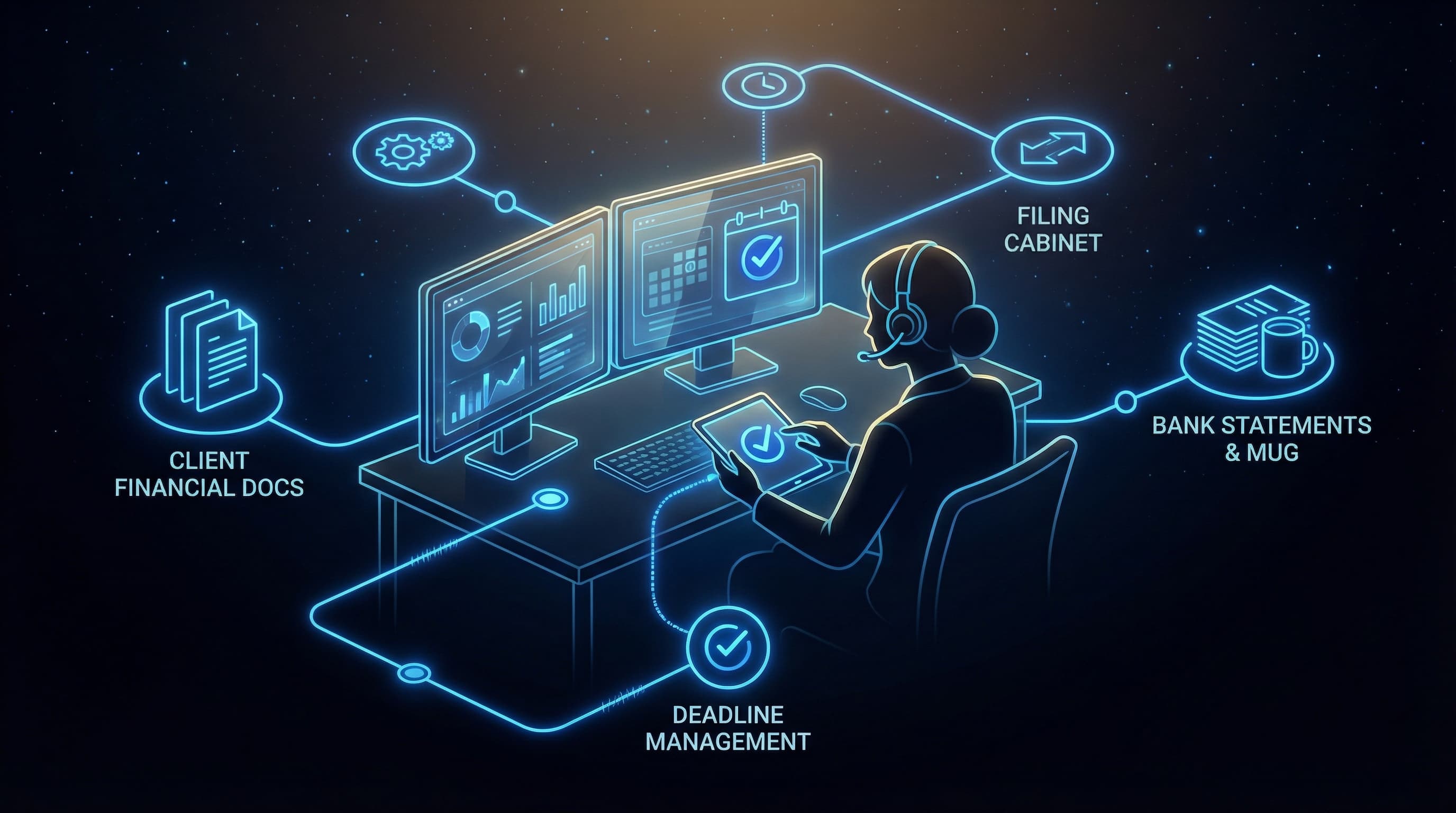
Elevasis builds a centralized deadline dashboard for every client, replacing scattered calendar entries with one source of truth. The system sends automated reminders on your schedule—friendly at 30 days, urgent at 7 days, final at 48 hours. Each reminder includes exactly what the client needs to do and links to your document portal for submissions. You see which clients have acknowledged deadlines and which need a personal follow-up, so nothing falls through the cracks.
How It Works
- 1
Map Each Client's Unique Tax Calendar
The system imports client data and identifies all relevant deadlines: quarterly estimates, annual returns, payroll deposits, sales tax. Each client gets a personalized compliance calendar.
- 2
Set Escalating Reminder Sequences
Configure when reminders go out—30 days, 14 days, 7 days, 48 hours before each deadline. Messages escalate in urgency automatically as dates approach.
- 3
Send Automated Client Notifications
Clients receive reminders via email or text with clear action items. Links connect directly to your document portal so they can submit what's needed immediately.
- 4
Track Acknowledgments in Real Time
Your dashboard shows which clients opened reminders, submitted documents, or need personal outreach. No more guessing who's at risk.
- 5
Log Everything for Compliance Records
Every reminder sent and client action taken is recorded. If a client disputes a missed deadline, you have documentation showing exactly what was communicated and when.
Results
Firms using automated deadline reminders report near-zero missed filings and 40% fewer client penalty situations. Calendar management time drops from 6+ hours monthly to under 30 minutes of exception handling. Client satisfaction improves because reminders feel proactive rather than last-minute panic. Your reputation shifts from reactive problem-solver to trusted compliance partner.
Frequently Asked Questions
You can add custom deadlines for any client—state-specific filings, industry-specific taxes, or unique situations. The system treats custom deadlines exactly like standard ones, with full reminder sequences and tracking.
Absolutely. Automated reminders supplement your personal service—they don't replace it. Many firms find clients call less often because the reminders answer their questions proactively. When clients do call, your staff sees the same dashboard and can answer immediately.
Each client's calendar reflects their specific jurisdictions. A client with operations in California and Texas sees both state deadlines alongside federal requirements. The system handles the complexity so you don't maintain multiple spreadsheets.
Most firms complete initial setup in 2-3 hours for their full client base. You can import client lists and filing types in bulk. After setup, adding new clients takes about 5 minutes each during onboarding.
The system flags non-responsive clients on your dashboard so you can intervene personally before the deadline passes. You decide when to escalate from automated reminders to a phone call. The documentation protects you either way.
Elevasis connects with common bookkeeping tools including QuickBooks, Xero, Karbon, and TaxDome. Client data syncs automatically, so you're not maintaining parallel systems. Deadlines and client information stay consistent across platforms.
Ready to Automate Your Business?
Show me how automated reminders protect my clients—book a 15-minute demo.